Turn voice notes into desktop documents
Speak naturally on your phone. BabbleFlow transcribes in the cloud and BabbleFlow Link pastes finished text into Word, email, or any desktop form.
Phone app for capture and cloud transcription · BabbleFlow Link for paste into desktop apps
How it works
From speech to desktop formsin three easy steps
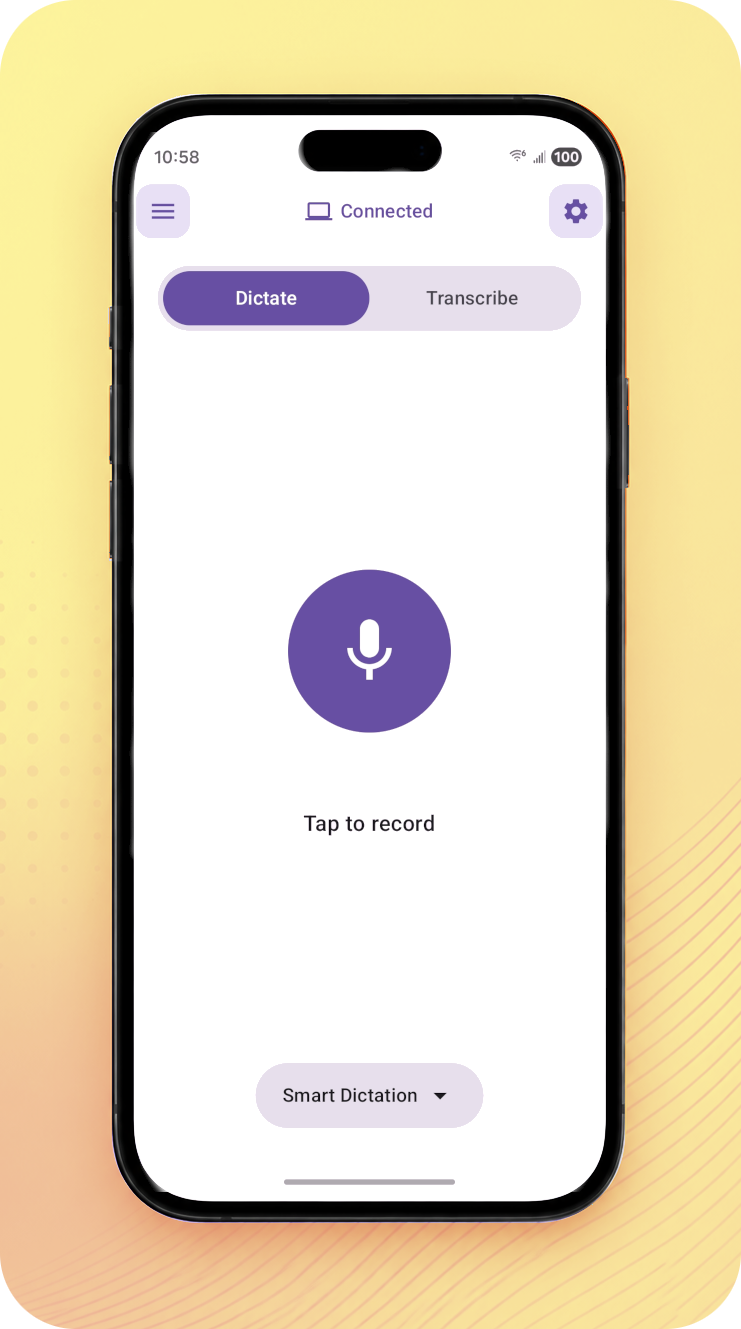
Record on your phone
Record your conversations or notes using the BabbleFlow app. Choose a template for a structured output or summary report of your recordings.
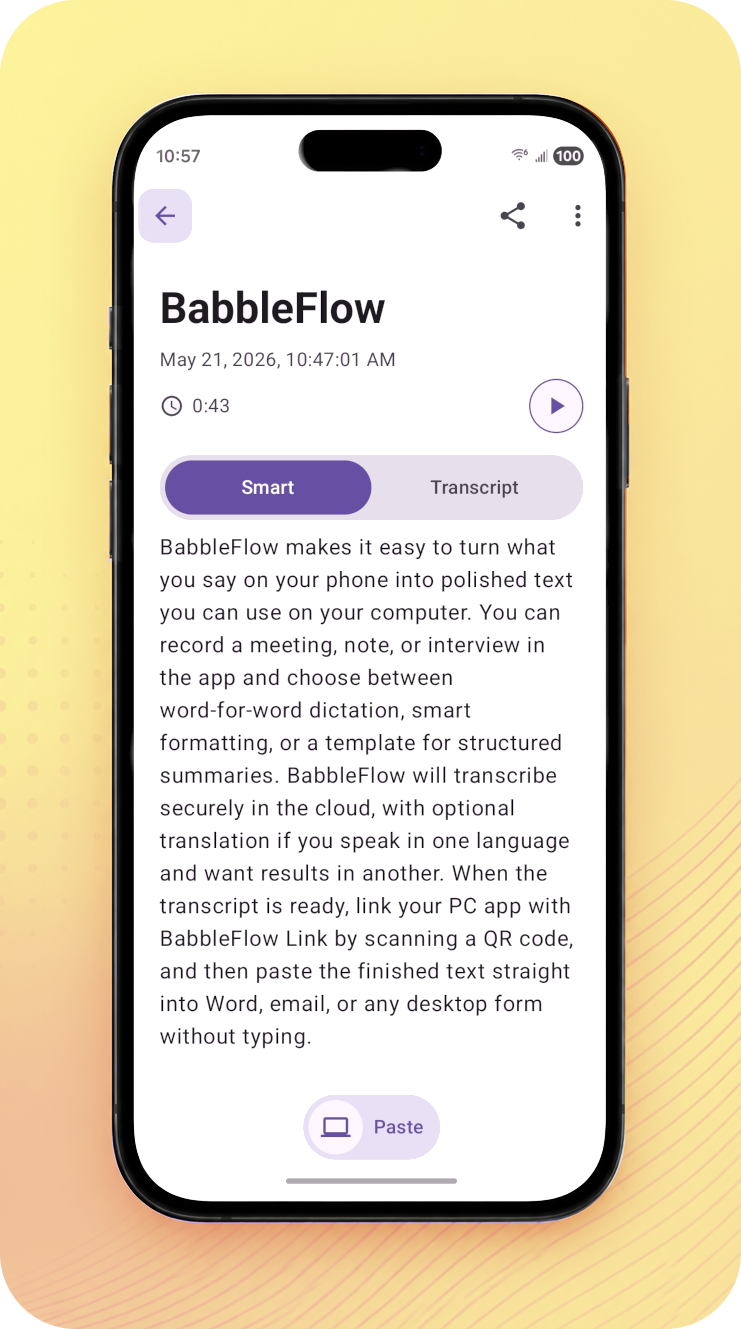
Transcribe your recordings
BabbleFlow securely transcribes your audio record with speaker-aware processing, and delivers polished transcripts and reports of your conversation.
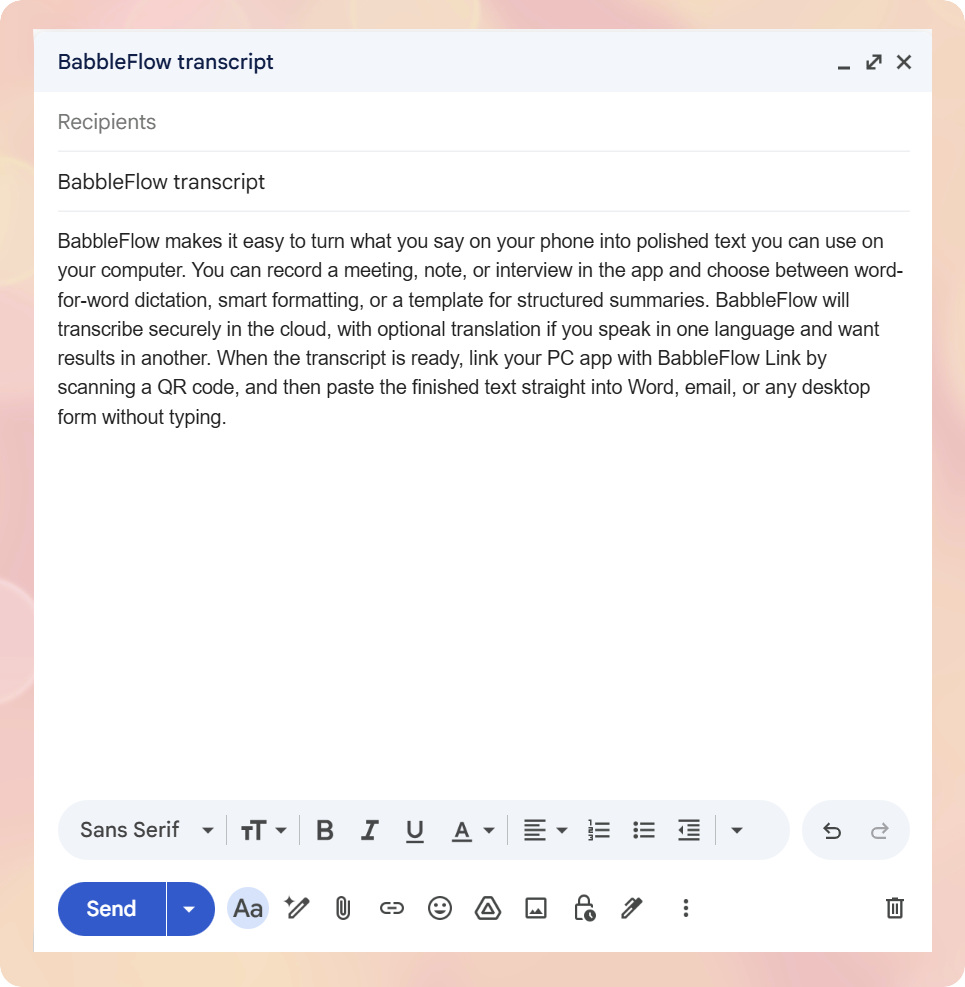
Paste into desktop forms
BabbleFlow Link app enables you to easily paste your finished transcripts into Word, email, or any desktop form.
Key features
Everything you need to capture,transcribe, and paste

Record on your phone
Capture meetings, notes, and ideas with BabbleFlow on your phone—wherever you are.

Templates and summaries
Turn raw speech into structured notes, meeting summaries, or word-for-word transcripts.

Input and output languages
Speak in one language and read results in another with automatic translation.

Link your computer
Scan a QR code from BabbleFlow Link on Windows and paste transcripts into any desktop form.

Recents and history
Revisit, copy, or paste past recordings without recording again.

Secure cloud processing
Audio is processed in the cloud so your phone stays focused on capture, not heavy ML workloads.
Use cases
Built for conversations that matter
Meetings
Capture decisions and action items from meetings without juggling a notepad.
Clinical and professional notes
Stay present with patients or clients while BabbleFlow handles documentation you can review and edit.
Interviews and media
Turn interviews and creative sessions into searchable transcripts and draft-ready quotes.
Your duty of care
Privacy-first by design
BabbleFlow is built for people who handle sensitive conversations. Read our policies to understand how we treat your data.
Built for sensitive work
Your recordings and transcripts are handled with care. Review our Privacy Policy for how data is used and stored.
You stay in control
Choose retention settings in the app, disconnect your PC anytime, and delete recordings when you are done.
Transparent policies
Read our Terms and Privacy pages anytime so you know what to expect from BabbleFlow services.